Design without the guesswork.
DFM and cost estimates in Inventor.
Design without the guesswork. Kurf. adds DFM checks, run time and a cost estimate to Autodesk Inventor while you design. Free tier available.

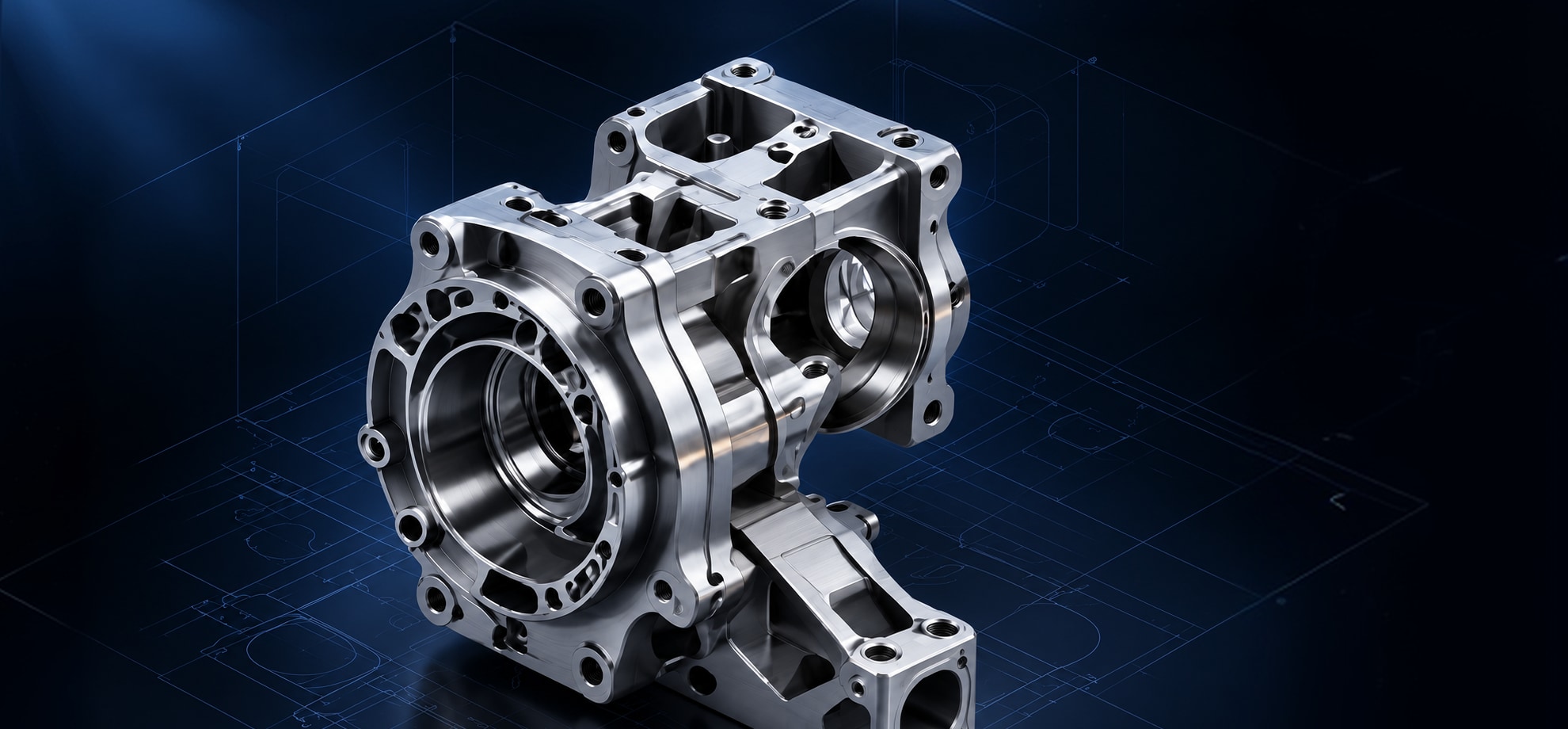
Every design decision is a cost guess. Make smarter decisions, faster.
Set up Kurf. design to cost plugin within Autodesk Inventor for design engineers to save time by reducing revision loops and make cost effective design decisions with DFM and cost insight.

Identify Cost Drivers Early
Cut down time waiting for a vendor quote with Kurf. Get manufacturing costs directly from your 3D models in about 60 seconds.

Native Inventor Integration
No digging around tabs and switching tools. Work seamlessly inside Autodesk Inventor.

Iterate Faster, Confidently
Refine your designs with cost and DFM insights to speed up design-to-production.
Get fast, defensible cost estimates and DFM warnings, right inside CAD software.
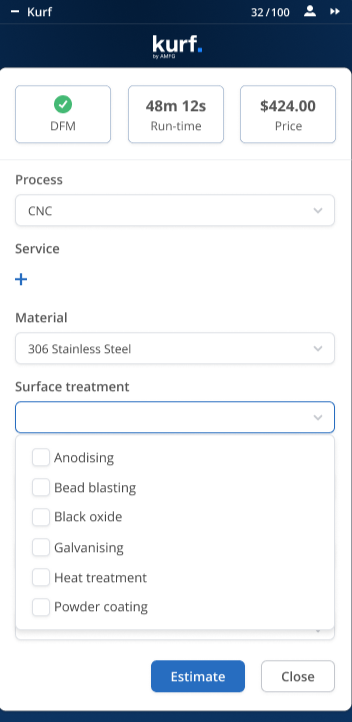
Kurf. analyzes your Inventor models and considers customisable manufacturing variables to generate DFM warnings, run time and cost estimates powered by AMFG’s proprietary Geometric Estimating Engine and Sentinel AI.
Native Inventor Geometry Engine:
Analyses CAD geometry, volume, wall thickness, and complexity directly in the Inventor viewport.
Customisable Production Variables: Configure materials, manufacturing services, CNC tooling, surface finishes, geometric tolerances, and quantities.
Kurf. Outputs: Generates DFM warnings, cost-reducing design suggestions, machine run times, and should-cost estimates based on country-specific labour and machine rates.
FAQs

Kurf. Pro’s minimum contract length is one month.
AMFG provides email and ticket-based support to Pro users. Support is not available on the free tier.
Contact our sales team to request access to the plugin. Your sales representative will provide you with a link to get started.
Book a demo with our sales team to receive access. Kurf. offers a free plan that allows you to trial the plug in.
